

How the training and the records work
You decide who needs which course. Your people take it. Each pass becomes a record you can export, and Aigentcy runs the setup and the yearly refresh with you.
Your admin page, overdue first
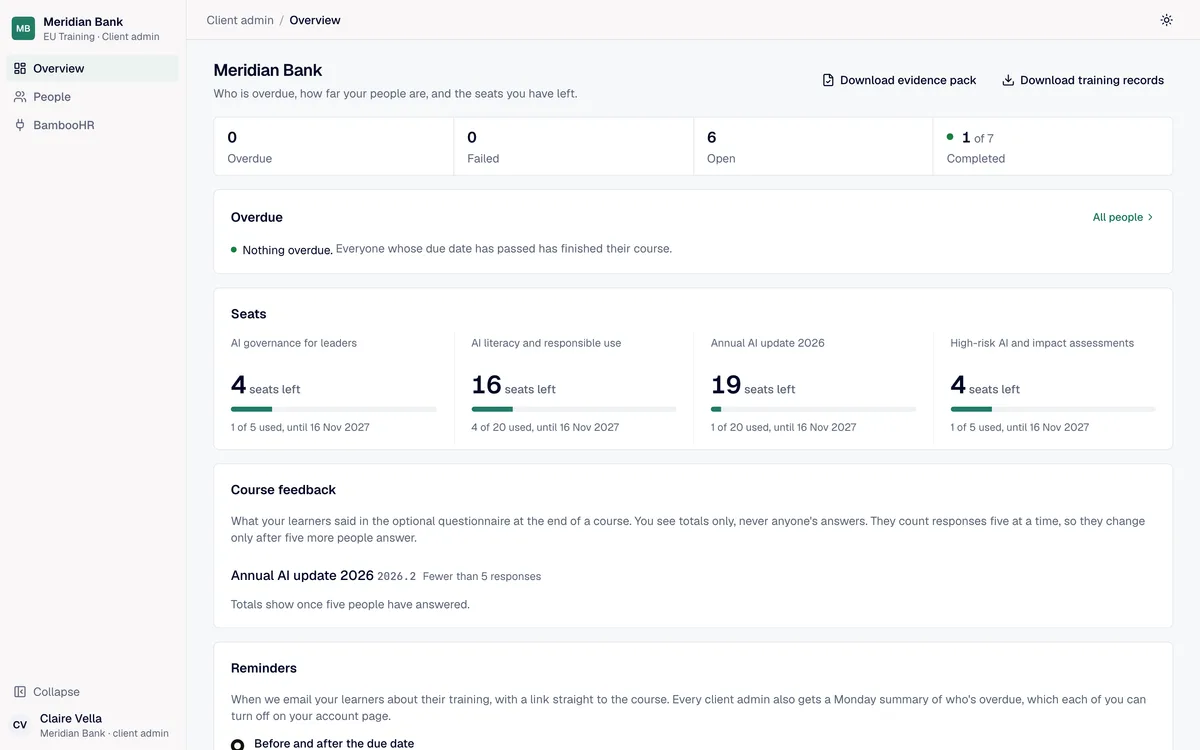
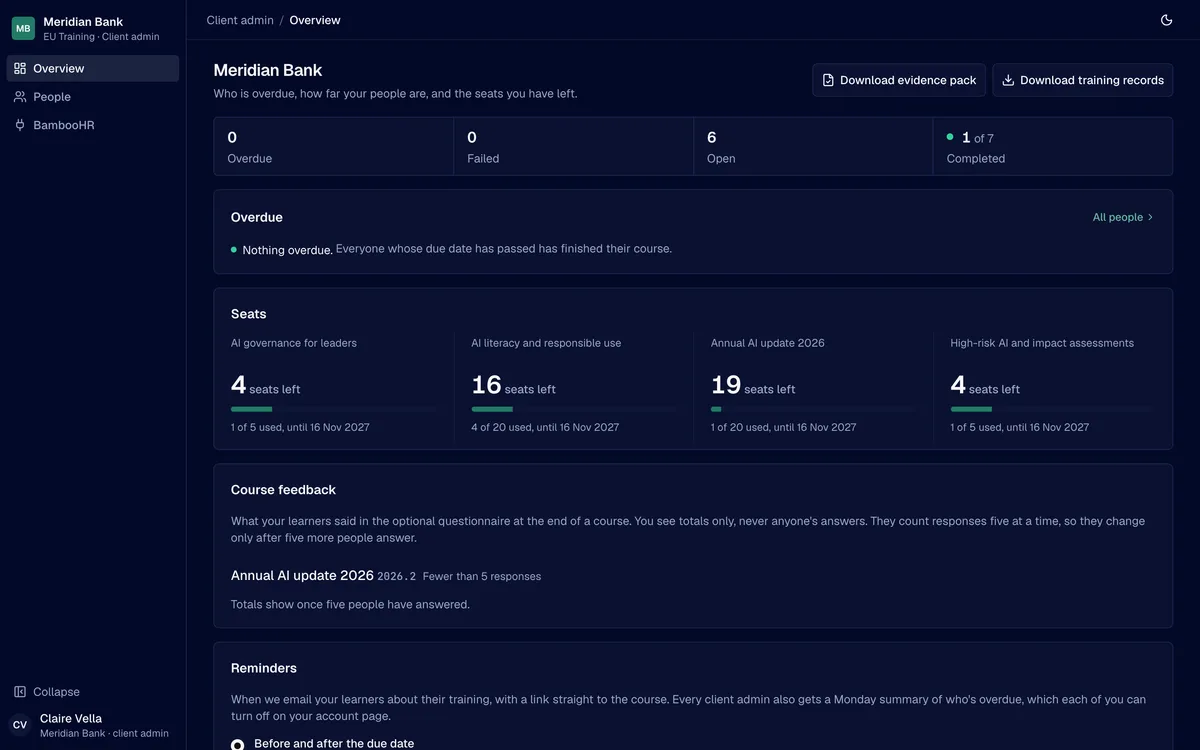
Whoever owns the obligation at your company gets an admin page. It opens on the people whose training is late, then the counts, then the seats left on each course and when they run out.
Everyone in, joiners included
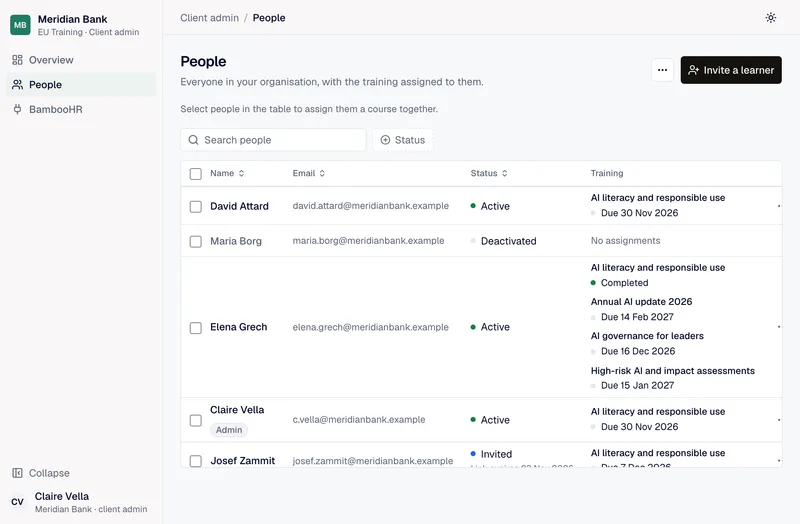
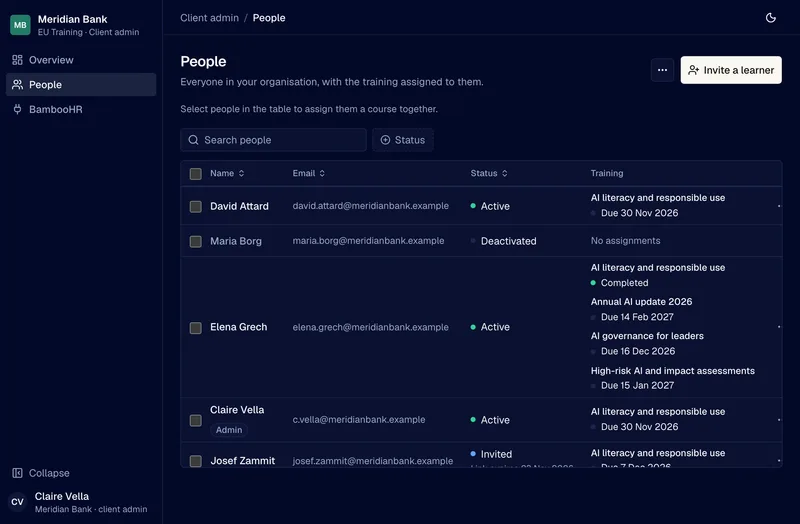
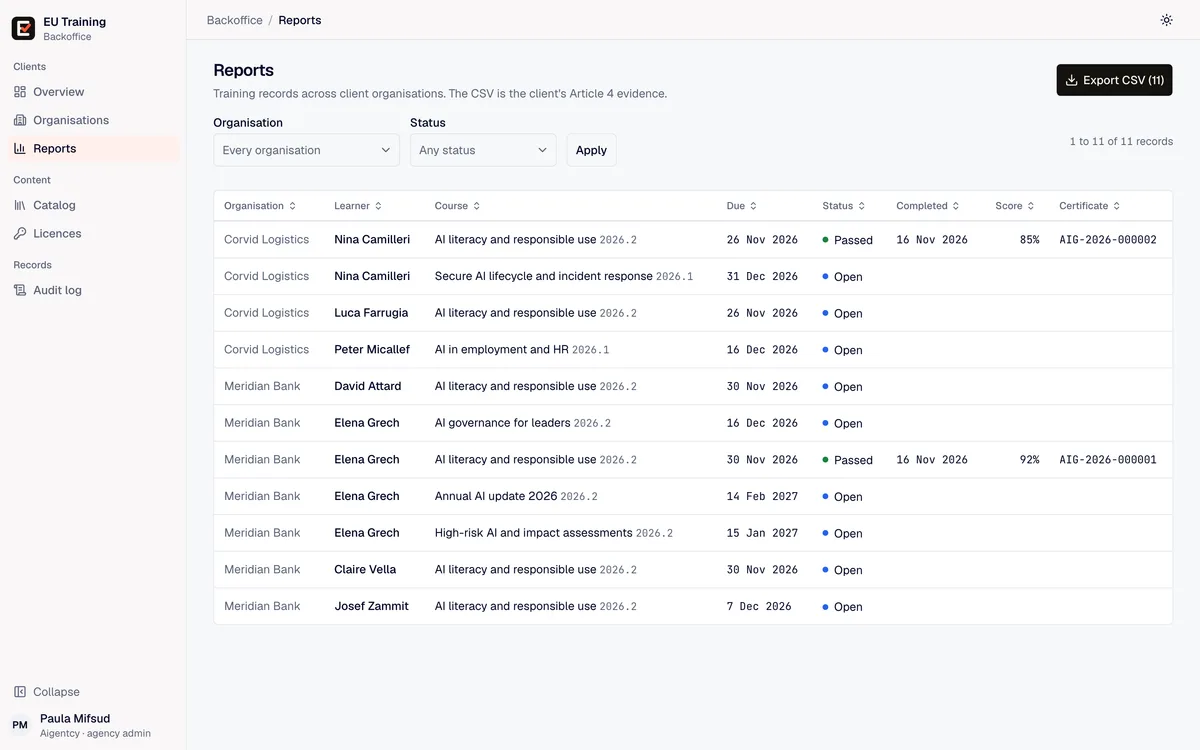
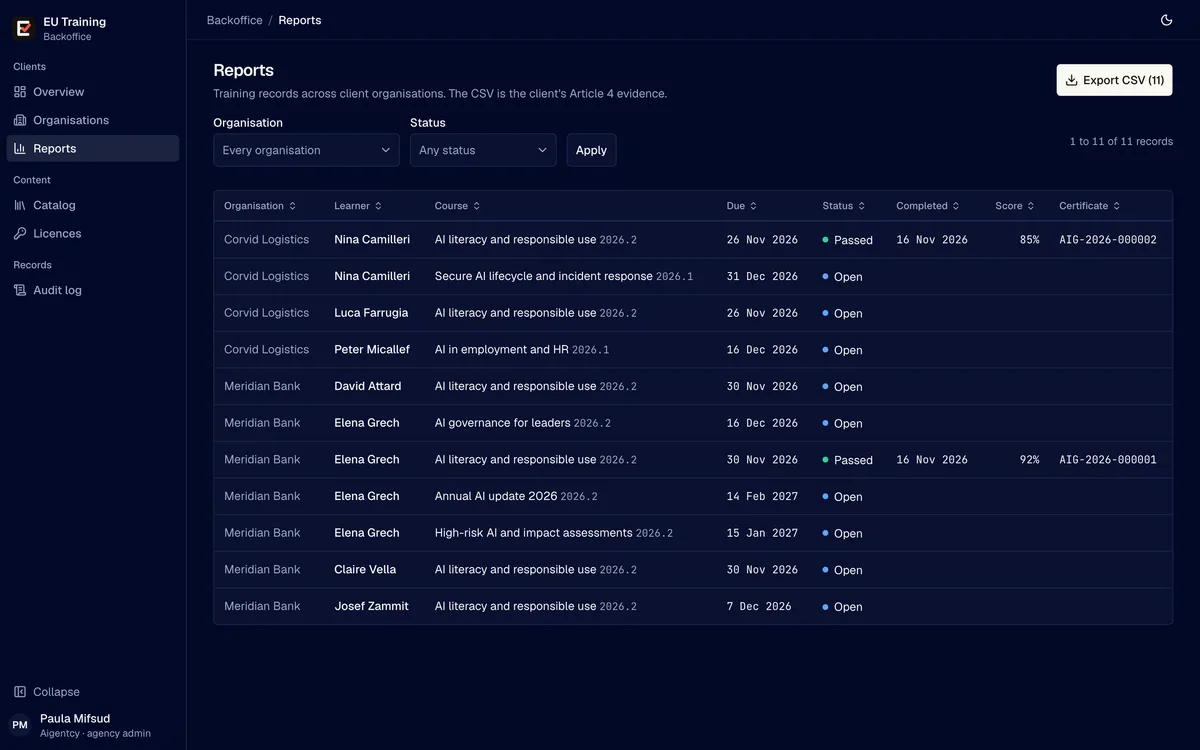
Each person's courses and where each one stands sit on one row, so you chase and report from the same list.
- From BambooHR
Connect it once and new joiners arrive as learners.
- From a CSV file
Any export with names and work emails, checked row by row before anyone is invited.
- Assign in bulk
Select people in the table and give them a course with a due date, within the seats you hold.
- Leavers keep their records
Deactivating someone ends their access. Their training history stays.
What your people see
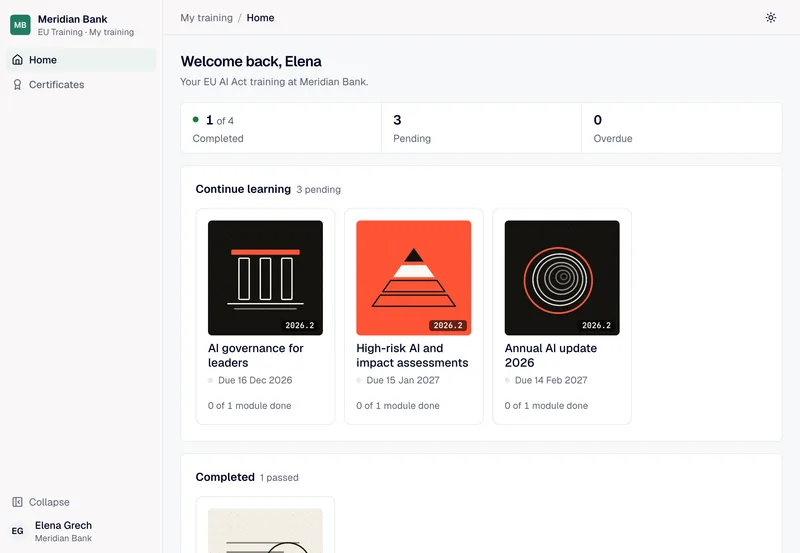
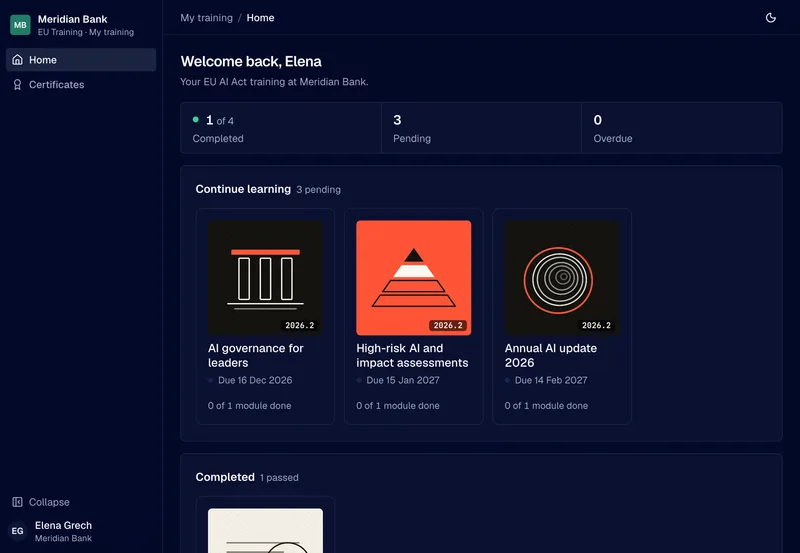
An invitation by email, a sign-in with a passkey or a password, and a home page with what's due and by when. Courses open full screen and save their place as the learner goes.
- Due dates up front
Courses to finish come first, each with its date and how far the learner has got.
- Picks up where they left off
On the same device or another one.
- A certificate on passing
With the course version, the score and a certificate number.
Records an auditor can use
Every completion holds the person, the course, the version they passed, the score against the pass mark, the date and the certificate number. The export puts all of it in one CSV file.
A log that shows it wasn't changed
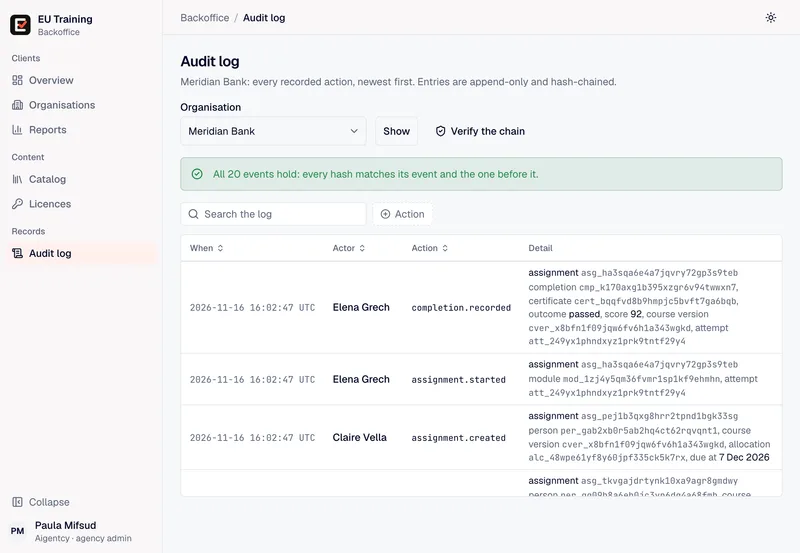
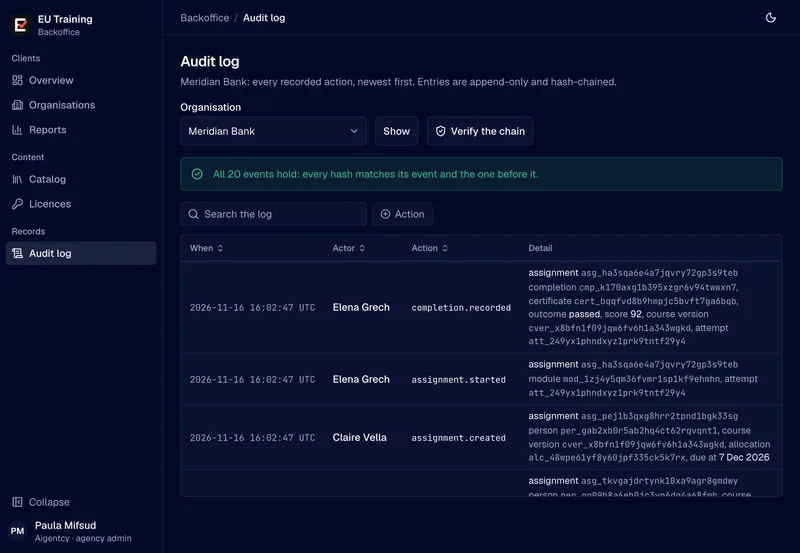
Every action in your organisation goes into an audit log: who invited whom, who assigned what, who passed. Each entry carries a hash of the one before it, and one click checks the whole chain.
- Append only
Completions, certificates and log entries are never edited or deleted.
- Versions frozen
A published course version never changes. New content ships as a new version.
Who does what
You keep the decisions. We take the setup, the course upkeep and the parts that need someone who reads the law.
| Task | Your team | Aigentcy |
|---|---|---|
| Decide who takes which course | You | We propose it from your roles and the AI you use |
| Set up your organisation and first admin | Nothing to do | We do it |
| Bring people in | From BambooHR, a CSV file or by invitation | We run the first import with you |
| Assign courses and due dates | You, or we do it for you | We assign the first round |
| Chase overdue training | EU Training emails the reminders, and you get a summary every Monday | We help when a team falls behind |
| Keep the courses current with the law | Nothing to do | We publish new versions and the yearly update |
| Hand records to an auditor | You export them | We help you answer the auditor's questions |
Security and data
The short answers to your security review. The security page in the docs has the detail.
- EU
- Records, course content and backups are stored in the EU.
- Invite only
- Nobody signs up. People join from an invitation, and admins sign in with a second factor or a passkey.
- One org each
- Every query is scoped to one client organisation, so no client can see another's people or records.
See it on your own roles
A 30-minute call. We show you the courses your people would take, the record you would keep, and what it costs for your headcount.